Understanding the Insta360 Camera Technology
What Makes Insta360 Unique?
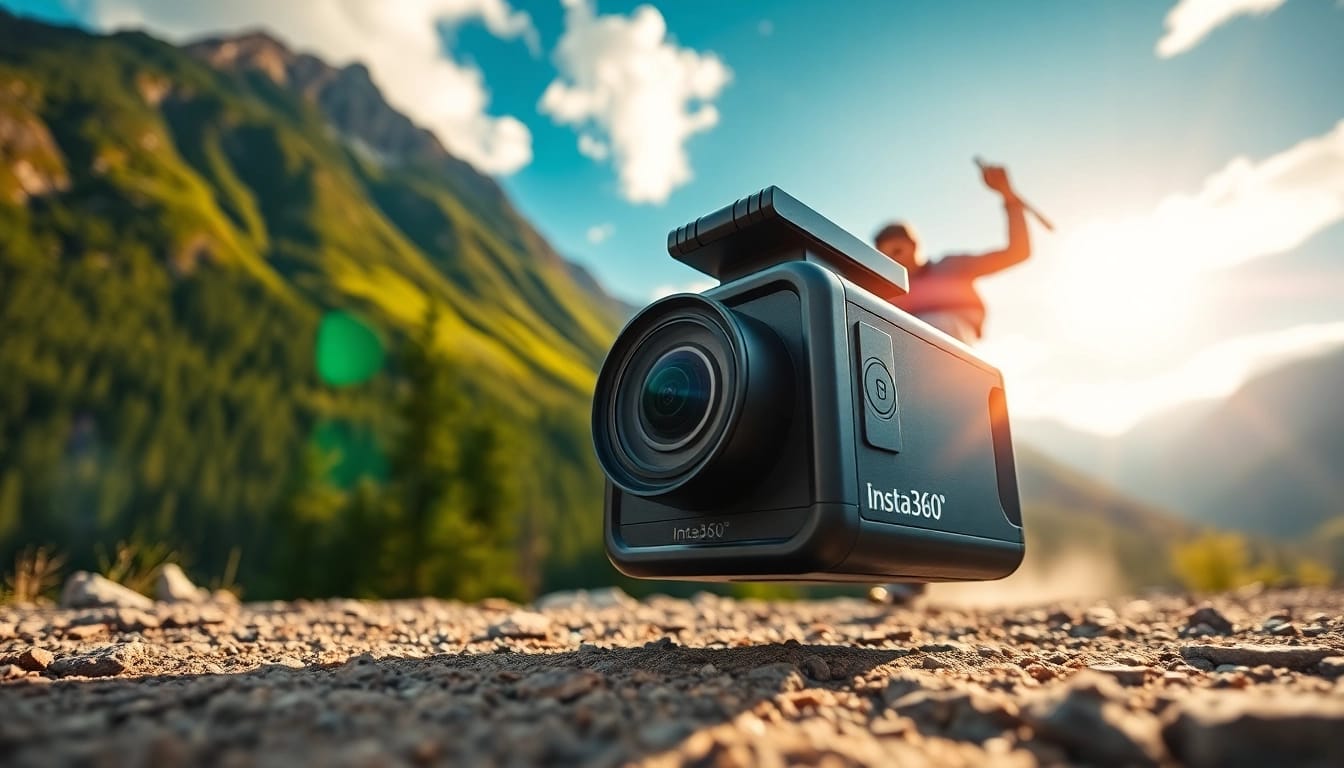
The Insta360 brand has carved a niche for itself in the rapidly evolving world of 360-degree photography and videography. Its uniqueness lies in its innovative technology that captures immersive experiences in ways that traditional cameras cannot. By utilizing sophisticated algorithms and advanced optics, Insta360 cameras produce stunning visuals with unparalleled detail and dynamic range. This makes them ideal for both casual users and professional creators looking for high-quality content.
Key Features of the Insta360 Camera
One of the standout features of Insta360 cameras is their ability to shoot in 8K resolution, enabling users to capture breathtaking scenery and intricate details without sacrificing quality. Additionally, many models come with innovative stabilization technology that ensures smooth video footage, even during high-action moments. The replaceable lens design adds versatility, allowing users to adapt their cameras for different shooting scenarios.
Insta360 cameras also incorporate advanced features such as HDR imaging, time-lapse, and hyperlapse modes, which enhance the storytelling potential of every shot. The intuitive companion app provides users with a suite of editing tools and templates, making it easy to produce professional-grade content quickly and efficiently.
Comparing Insta360 Models
Insta360 offers various models, each catering to different needs and preferences. For instance, the Insta360 X3 stands out with features such as a dual-lens setup and 5.7K resolution. Meanwhile, the Insta360 ONE X2 is known for its compact size and user-friendly interface, making it perfect for travelers and adventure-seekers. Users should consider their specific requirements, such as video quality, camera size, and advanced functionalities, when selecting the model that best fits their creative vision.
Getting Started with Your Insta360 Camera
Setting Up Your Insta360 Device
Setting up your Insta360 camera is a straightforward process. Begin by charging the device fully to ensure uninterrupted shooting. Once the battery is charged, download the official Insta360 app, which serves as a companion for controlling the camera and editing footage.
After installing the app, connect your camera using Bluetooth. This connection allows you to adjust camera settings, preview shots, and transfer content seamlessly. Make sure to familiarize yourself with the interface, as it is designed for user convenience, giving you quick access to essential features.
Essential Accessories for Insta360
While the Insta360 cameras are impressive on their own, several accessories can enhance your shooting experience. A sturdy tripod is essential for stable shots, particularly for time-lapse and long-exposure photography. Additionally, protective cases can safeguard your camera during outdoor adventures, and external batteries can extend shooting time on long excursions.
For creators focused on dynamic content, gimbals or handheld stabilizers can help achieve fluid motion capture. Other useful accessories include selfie sticks and mounting kits for versatile angles, especially in action or adventure-based shooting.
Basic Camera Operations and Settings
Understanding the basic operations of your Insta360 camera will maximize its potential. Begin with selecting your desired shooting mode—whether it’s video, photo, or a specialized mode such as bullet time or time-lapse. Adjust the settings based on your environment; for instance, increase exposure in low-light conditions or enable stabilization for action shots.
Utilizing the smart auto-editing features in the Insta360 app can save you a great deal of time. The app's artificial intelligence capabilities automate editing processes, allowing you to focus on shooting rather than spending hours on post-production.
Creating Engaging Content with Insta360
Capturing Stunning 360-Degree Images
Capturing stunning 360-degree images begins with proper framing and understanding your surroundings. Since these cameras capture all angles simultaneously, pay attention to focal points in the environment that could serve as captivating subjects. Additionally, utilize natural light wherever possible to enhance image quality.
In tip-based advice for creators: Try employing the 'one-shot' technique where you take a single, well-composed shot while being aware of what’s behind you. Remember, post-processing can further enhance the final image, so be open to adjusting colors, brightness, and contrast after the shoot.
Creative Editing Techniques Using Insta360 App
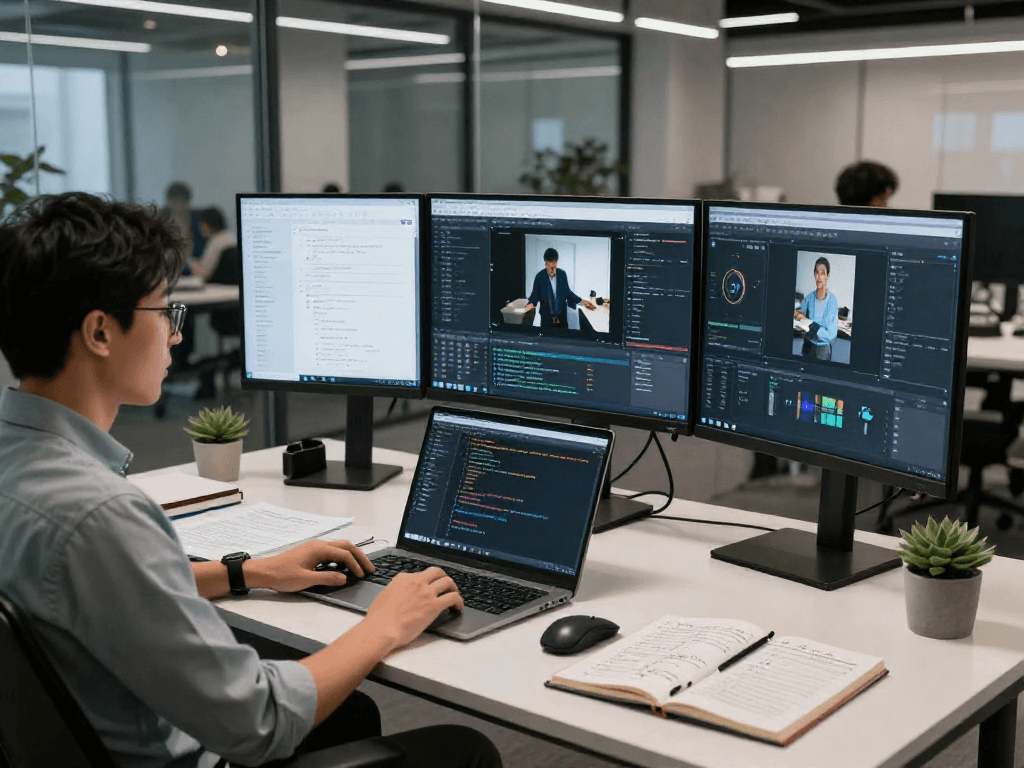
The Insta360 app is a creative powerhouse that enhances your post-production workflow. Utilize its built-in editing templates to quickly create engaging videos—perfect for social media sharing. Try features like 'SmartTrack', allowing the camera to follow moving subjects seamlessly, which can add an element of dynamism to your videos.
Experiment with various filters and effects available in the app; these tools can transform your raw footage into visually stunning content. The 360-degree video function allows you to choose the focal point, giving viewers a unique perspective that traditional editing cannot replicate.
Sharing Your Content Effectively
After creating your content, the next step is sharing it effectively. Choose platforms that support immersive media; for instance, Instagram, Facebook, and YouTube have features for 360-degree uploads. Optimizing your videos with relevant hashtags and engaging descriptions can help you reach a larger audience.
Consider creating behind-the-scenes content to give your audience insight into your creative process. Additionally, engaging with followers through comments and live sessions can build community while showcasing your work, further elevating your brand profile.
Common Challenges and Solutions for Insta360 Users
Dealing with Low Light Conditions
Low light conditions can pose a significant challenge for any camera, including the Insta360. To overcome this, increase the exposure settings while ensuring the shutter speed is compatible with the desired image quality. Additionally, using the HDR mode can enhance details in shadows and highlights, producing well-balanced images.
Always carry a portable light source for night shoots, as it can help illuminate subjects effectively. Experimenting with various shooting angles can also yield better results in challenging lighting environments.
Troubleshooting Connectivity Issues
Should you face connectivity issues with your Insta360 camera, start by ensuring that Bluetooth is enabled on both your camera and your mobile device. Restarting both devices can sometimes resolve temporary glitches. Make sure the camera software and Insta360 app are both up to date, as updates can fix known bugs and improve functionality.
If connection issues persist, consider resetting the camera to its factory settings. Refer to the user manual for instructions on how to perform this step properly.
Maintaining Your Insta360 Camera
Regular maintenance is key to ensuring the longevity and performance of your Insta360 camera. After each use, clean the lenses with a microfiber cloth to remove dust and fingerprints, which can impact image quality. Store the camera in a protective case to prevent damage during travel.
Check for any firmware updates periodically, as manufacturers often release updates that enhance features and fix bugs. If problems arise, refer to the troubleshooting section in the user manual for guidance.
Future Trends in 360-Degree Content Creation
The Growing Demand for Immersive Experiences
As audiences increasingly seek immersive experiences, the demand for high-quality 360-degree content is rapidly growing. This trend is evident in applications not just in travel and adventure, but also in education, real estate, and virtual tourism. Creating engaging content that provides a sense of presence can captivate viewers and foster deeper connections with brands.
Content creators should stay tuned to advancements in VR technologies and the ways they can enhance storytelling; this knowledge will be vital in maintaining relevance in a fast-paced digital landscape.
Innovations in Insta360 Technology
Insta360 continues to lead in innovation, consistently integrating cutting-edge technology into their products. Anticipated features such as enhanced AI-driven editing capabilities and improved stabilization mechanisms are on the horizon. Keeping pace with these developments will empower creators to harness the fullest potential of their cameras.
Future iterations may also explore new ways for viewers to interact with videos, such as through augmented reality overlays that enhance the immersive experience further.
Preparing for the Future of Content Creation
To prepare for the evolving landscape of content creation, enthusiasts should develop skills in hybrid shooting—combining traditional filmmaking techniques with modern 360-degree technologies. Understanding audience analytics and experimenting with diverse content styles can also help creators stay ahead. Moreover, fostering collaboration with other creators can yield innovative ideas and expand reach.
The future of content creation is bright, and those who embrace change and focus on quality, creativity, and audience engagement stand to gain the most.
Frequently Asked Questions
What is the best Insta360 model for beginners?
The Insta360 ONE X2 is a great choice for beginners due to its compact design, ease of use, and intuitive app integration, making it simple to capture and edit content.
Can I use my Insta360 camera in low light?
Yes, Insta360 cameras can work in low light conditions. Use the HDR mode and adjust exposure settings for better results. However, additional lighting may be needed for optimal performance.
Is the Insta360 camera waterproof?
Many Insta360 models, such as the Insta360 ONE R and X3, are designed to be waterproof to certain depths, making them suitable for shooting in wet conditions or underwater activities.
How can I improve my editing skills with the Insta360 app?
Familiarize yourself with the app's features and explore various creative templates.Study tutorials and experiment with edits to enhance the storytelling aspect of your content.
Can I use Insta360 for live streaming?
Yes, several models of Insta360 cameras support live streaming capabilities. Ensure you have the compatible app and connection to start streaming your 360-degree content live.