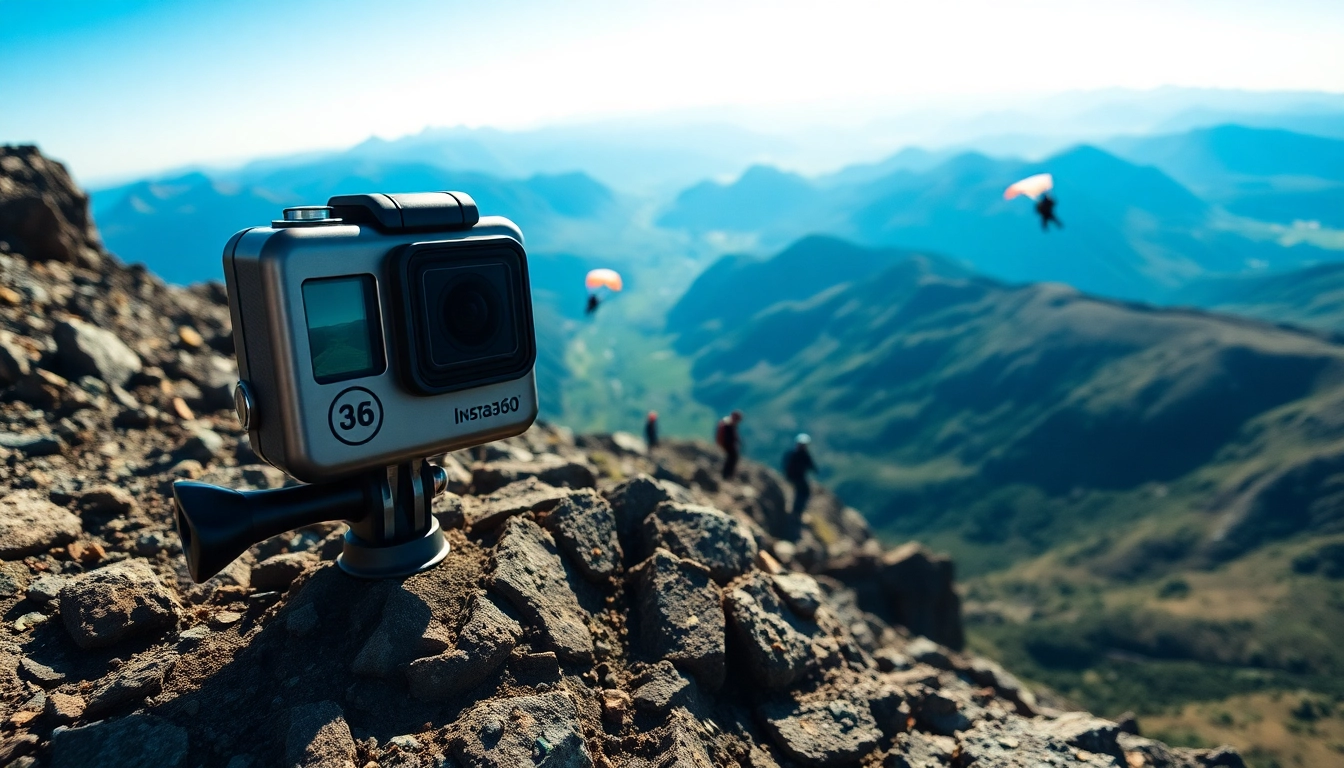
Understanding the Features of Insta360 x5
Key Specifications and Innovations
The Insta360 x5 emerges as a groundbreaking action camera that combines extraordinary features with cutting-edge technology. One of its standout innovations is its ability to switch lenses, offering users flexibility like never before. The x5 can capture stunning 8K 360-degree photos and videos, employing the remarkable supersampling technology that transitions from an impressive 11K resolution down to 8K, enhancing clarity and detail in every shot.
The device is designed to operate flawlessly in various lighting conditions, significantly outperforming many traditional action cameras, especially in low-light situations. This feature represents a substantial leap in image quality, enabling creators to showcase their adventures vividly and authentically. Furthermore, the x5 incorporates advanced stabilization technology, ensuring that footage remains smooth and professional-looking, even during the most dynamic activities.
Comparing Image Quality with Traditional Cameras
When it comes to image quality, the Insta360 x5 stands out against traditional action cameras. Its ability to capture spherical views means users can create more immersive and engaging content, offering a complete perspective of their experiences. Standard action cameras often provide a limited field of view and can fall short in the detail captured, especially in 360-degree circumstances.
The x5’s exceptional resolution provides greater depth and realism, allowing for pin-sharp images that translate well onto larger screens or prints. This can be particularly beneficial for filmmakers, vloggers, and content creators who wish to captivate their audience with visually striking imagery. Moreover, the advanced low-light capabilities of the x5 allow for nighttime footage that retains clarity without introducing excessive noise, a common issue in traditional cameras.
User-Friendly Design Elements
Designed with every user in mind, the Insta360 x5 exhibits a user-friendly interface that simplifies the filming process. The camera features intuitive controls and displays that allow users to navigate settings easily, even in complex scenarios. This consideration for usability ensures that both novices and experienced users can achieve professional results with minimal effort.
Its compact form factor makes it an ideal on-the-go companion, easily fitting into various bags or even pockets. Additionally, the x5 is equipped with user-centric functionalities such as touchscreens for quick accesses, voice commands for hands-free operation, and customizable settings that cater to specific shooting styles. This thoughtful design enhances the overall user experience, encouraging more creative storytelling.
Getting Started with the Insta360 x5
Unboxing and Initial Setup Tips
Unpacking your Insta360 x5 is just the beginning of an exciting journey into the world of 360-degree photography and videography. Upon opening the box, you will find the camera neatly secured along with essential accessories. A quick-start guide provides step-by-step instructions to get you going. One critical tip for new users is to charge the camera fully before the first use, ensuring optimal performance.
During your initial setup, familiarize yourself with the camera’s various modes and settings. Take the time to explore the app that complements the device; syncing your smartphone with the x5 unlocks advanced features like live previews and easy editing options. A well-structured approach at the beginning helps users not just to operate the camera effectively, but also to understand its full capabilities.
Essential Accessories for Your Camera
To maximize the potential of the Insta360 x5, consider investing in a few key accessories. A robust carrying case is essential for safe transportation, ensuring that your camera is protected from potential damage. A tripod or a gimbal can significantly enhance your capture capabilities, providing stability during shots, especially in dynamic environments.
Another standout accessory is the invisible selfie stick, designed to keep itself out of the frame while capturing stunning wide-angle shots. Extra batteries are also advisable, especially for extended shooting sessions, as well as memory cards with high write speeds to handle the large data files produced by the x5. With the right accessories, users can elevate their filming experience and ensure they are ready for any adventure.
Basic Settings Configuration for Optimal Use
Configuring your Insta360 x5’s settings correctly can make a substantial difference in the quality of your footage. It is advisable to start with the automatic settings, which intelligently adjust based on the shooting conditions. As users become more familiar with the camera, they can transition to manual controls for full customization, allowing for a personal touch on video attributes such as exposure, ISO, and white balance.
Exploring the settings also enables users to select shooting modes that align with specific activities, whether it be action sports, stunning landscapes, or intimate indoor scenes. Leveraging these configurations will not only ensure high-quality output but also help users transition smoothly into more advanced filmmaking techniques.
Mastering Shooting Techniques with Insta360 x5
Best Practices for Capturing Action Shots
Action shots can often be tricky, but with the right techniques, the Insta360 x5 can deliver incredible results. One of the best practices is to anticipate the action, positioning the camera in a way that captures the most dynamic moments. It is essential to ensure that the camera is secured properly to avoid any unintentional movements or shakes.
Additionally, consider leveraging the x5's advanced stabilization features. The built-in stabilization not only helps in minimizing unwanted movement but also smooths out footage, making for a professional-looking output. Engage the slow-motion capabilities to emphasize thrilling moments, creating dramatic and captivating sequences that draw your audience's attention.
Utilizing Advanced Shooting Modes
The Insta360 x5 boasts various advanced shooting modes that can further enhance your media's storytelling capability. Leveraging modes such as TimeShift can help create compelling visual narratives by speeding up mundane activities or condensing hours of footage into seconds. Time-lapse is another fantastic feature that can capture long events in a beautiful, short timeframe.
The advanced settings also allow users to experiment with HDR, which is beneficial for capturing scenes with both bright and dark elements. This mode ensures that your images maintain detail in shadowed areas while avoiding overexposure in brighter zones. Understanding and utilizing these advanced modes can lead to remarkable footage that stands out.
Editing Techniques to Enhance Your Footage
After capturing footage with the Insta360 x5, the next step involves editing to refine the material. The companion app provides a suite of tools that allows for immediate editing on the go. You can easily trim clips, add music, and apply filters, making it simple to enhance the aesthetics of your videos.
For more detailed editing, professional software can be used to layer effects, color correct, and edit audio, providing additional depth to your projects. Synchronizing with other media elements can also add creativity to your storytelling. Remember that the key to memorable video content is attention to detail during both the filming and editing phases, ensuring that every frame contributes to an engaging narrative.
Maximizing Performance and Longevity
Battery Management Techniques
Managing battery life effectively is crucial for uninterrupted shooting sessions with the Insta360 x5. Always ensure that you charge your batteries fully before significant shooting, and consider purchasing an extra battery for longer excursions. The x5 typically offers a solid battery performance, but shooting in high resolutions may deplete power more quickly.
It is also advisable to utilize power-saving modes when the camera is idle for extended periods. Turning off Wi-Fi and Bluetooth connectivity can conserve battery power, especially during events where frequent shooting isn’t necessary. Keeping the camera updated with the latest firmware will also ensure optimal performance and battery management.
Maintenance Tips for Durability
Proper maintenance can significantly extend the lifespan of your Insta360 x5. Start by regularly cleaning the lenses with a microfiber cloth to ensure clear shots. It is also wise to store the camera in a clean, dry environment to prevent moisture or dirt from interfering with its function.
Investing in a screen protector can further safeguard the camera from scratches, while keeping the device in a padded case during transport will minimize the risk of accidental damage. Additionally, regular software updates not only improve performance but also ensure that any known issues are resolved promptly.
Firmware Updates and Enhancements
Firmware updates are crucial for maintaining compatibility with new accessories and ensuring that the Insta360 x5 functions at peak performance. New updates often introduce enhancements that can improve image quality, add features, or fix any existing bugs. Regularly check the manufacturer’s website or the app for any available updates and follow the instructions to update your device easily.
Being proactive about updates allows you to take advantage of the camera’s evolving capabilities. Users who regularly engage with their cameras and utilize the latest enhancements will find themselves better equipped to push the boundaries of creative expression within their work.
Community Engagement and Sharing Your Content
Connecting with Other Insta360 x5 Users
Engaging with a community of Insta360 x5 users can provide invaluable insights and inspiration. Online forums, dedicated social media groups, and communities focused on 360 photography can offer a platform for sharing techniques, troubleshooting issues, and showcasing work. Networking with others helps to foster creativity and opens up opportunities for collaboration.
Participating in discussions can also expose you to different shooting styles and perspectives, enhancing your knowledge and encouraging you to experiment with new techniques. Sharing your experiences can, in turn, help fellow users as they navigate their own journeys with the x5.
Platforms for Sharing Your Videos
When it comes to sharing your content, selecting the right platform is crucial. Websites like YouTube or Vimeo offer excellent avenues for distributing 360 videos, ensuring that your work reaches a broad audience. Moreover, sharing on social media platforms such as Instagram and TikTok can also garner attention and spark engagement from viewers interested in immersive content.
To optimize your reach, tailor your video presentations for the specific platform. Investigate employing different formats, styles, and tagging techniques to attract a wider audience. Adopting a comprehensive sharing strategy will help build a following and could assist in developing your personal brand as a content creator.
Getting Feedback and Improving Skills
Seeking constructive feedback is invaluable for growth as a user of the Insta360 x5. Sharing your work with friends, family, or in online communities can provide insights into how others perceive your content. Embrace criticism and use it to refine your skills further.
Additionally, consider participating in creative challenges or competitions to push your limits. These events often prompt users to explore new techniques and inspire innovative storytelling methods. Constantly challenging yourself and integrating feedback will help enhance your expertise and overall content quality.