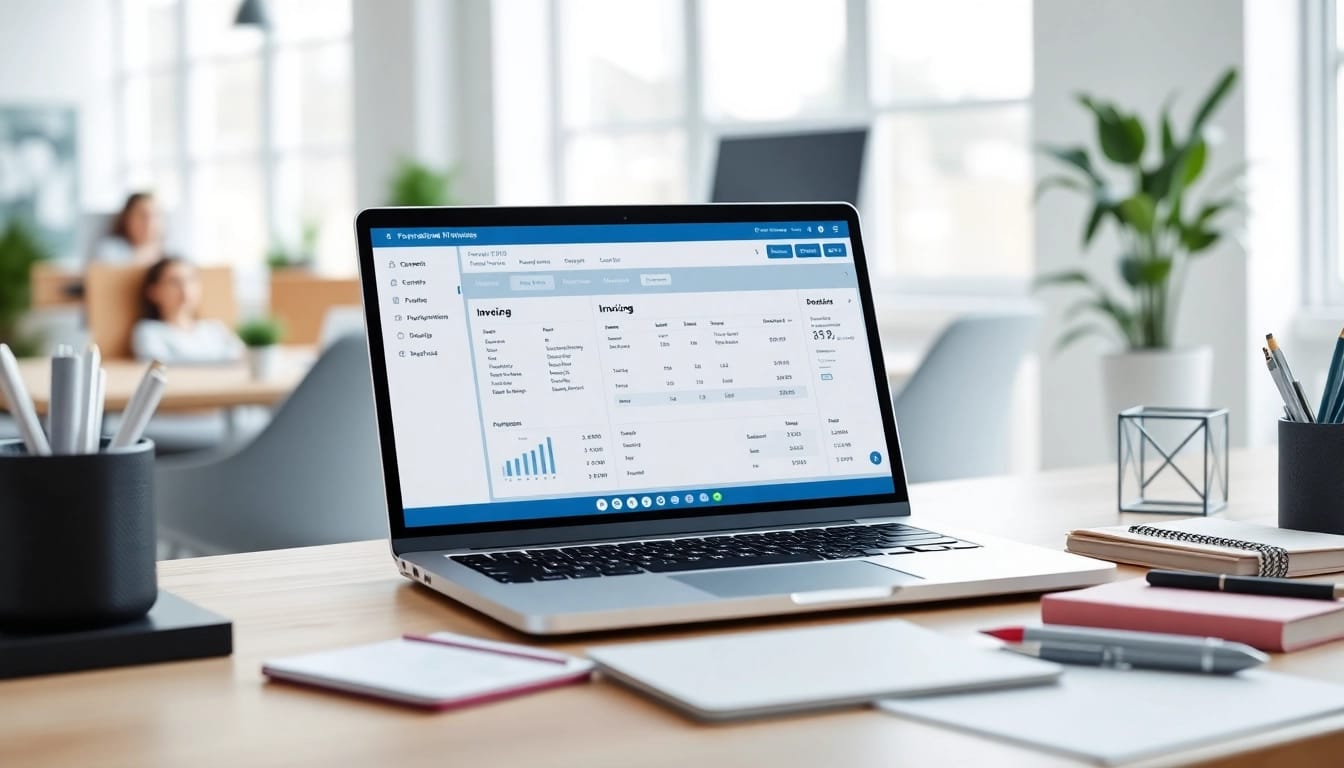
Understanding Invoicing Software
What is Invoicing Software?
Invoicing software is a type of application designed to simplify the process of creating, sending, and managing invoices for goods or services rendered. It automates many repetitive tasks, ensuring that businesses can efficiently collect payments and track financial transactions. By using invoicing software, companies can streamline their billing processes, reduce errors, and enhance their cash flow management.
Key Benefits of Using Invoicing Software
Invoicing software offers a multitude of benefits that can significantly impact a company's viability and success. Below are some of the essential advantages:
- Time-saving: Automated invoice generation allows for quicker billing. What used to take hours can now be completed in minutes.
- Accuracy: Reduce human errors with automated calculations and templates that minimize the chances of mistakes in figures.
- Improved Cash Flow: Expedite payments through timely invoice dispatch, which accelerates the collection process.
- Professional Appearance: Create custom invoices that enhance brand image and foster trust with clients.
- Financial Insights: Many invoicing software solutions provide analytics that can help businesses track expenses, profits, and outstanding balances.
Common Features of Invoicing Software
Choosing the right invoicing software often involves evaluating its features. Common features include:
- Customizable Templates: User-friendly templates that can be adjusted to reflect business branding.
- Recurring Billing: Automated billing for repeat customers without the need for manual entry.
- Payment Processing: Integrated payment gateways allowing clients to pay invoices directly through online links.
- Expense Tracking: Tools for tracking expenditures alongside invoices for holistic financial management.
- Reporting Tools: Generate various financial reports to analyze business growth and cash flow status.
Choosing the Right Invoicing Software
Identifying Your Business Needs
Identifying your specific business needs is critical in selecting the right invoicing software. Consider factors such as the size of your business, the frequency of billing activities, and whether you need multi-currency support or integration with other systems. Understanding your target audience can help choose features that suit your specific requirements.
Top Considerations for Selection
When selecting invoicing software, consider the following:
- User Interface: A user-friendly interface is crucial for ease of navigation.
- Customer Support: Reliable technical support can assist in resolving issues promptly.
- Accessibility: Cloud-based solutions permit access from anywhere, which can be a significant advantage for remote teams.
- Scalability: Choose software that can grow with your business, accommodating increasing transaction volumes and additional users.
- Security Features: Ensure that the software complies with data protection regulations and implements strong security measures.
Comparing Pricing Models
Pricing models for invoicing software can vary widely. Many options exist, from monthly subscriptions to one-time fees. It's essential to assess what is included in the pricing structure—such as features, updates, and customer support. Understanding your budget and investigating multiple options can help you find the best fit financially. Always ensure that you are not sacrificing quality for a lower price.
Implementing Invoicing Software
Setting Up Your Invoicing Software
After selecting the right invoicing software, the next step is proper setup. This typically involves:
- Creating User Accounts: Set up accounts for team members who will be responsible for invoices.
- Customizing Settings: Adjust configurations such as currency, tax rates, and payment terms according to business needs.
- Loading Existing Client Data: Import data from previous systems to ensure continuity and remove redundancy.
- Testing: Before rolling out to the entire business, conduct tests to ensure everything functions correctly.
Integrating with Existing Systems
Invoicing software often needs to be integrated with other systems such as accounting software or CRM tools to maximize its benefits. Ensure that:
- Compatibility: Confirm that the invoicing software can seamlessly integrate with existing technological infrastructure.
- API Availability: Look for software with APIs for easier customization and integration with third-party applications.
- Data Consistency: Check that data flows correctly between systems to avoid discrepancies.
Training Your Team for Success
Implementing new software requires training your staff to use it effectively. Consider hosting training sessions that cover:
- Basic Functions: Walk through the key functionalities of the software.
- Best Practices: Teach best practices to ensure staff utilize the software efficiently.
- Ongoing Support: Encourage a culture of continual learning where team members can share tips and strategies post-training.
Best Practices for Using Invoicing Software
Creating Professional Invoices
Professional invoices not only reflect your brand but also instill confidence in your clients. To enhance your invoices:
- Use Clear Layouts: Keep your invoices clean and organized for quick understanding.
- Include Essential Information: Ensure all necessary details (e.g., service description, date, total due) are prominently displayed.
- Personalize: Use clients' names and company logos to add a personal touch that enhances relationship-building.
Regularly Updating Your Client Database
An up-to-date client database ensures that invoices are sent to the correct addresses and that you can effectively follow up on overdue invoices. Best practices include:
- Data Verification: Regularly check that the contact information is current.
- Segmentation: Organize clients based on criteria (e.g., payment history) to tailor your invoicing approach.
- Feedback Collection: Collect feedback from clients about the invoicing process to improve future interactions.
Leveraging Automation to Save Time
Automation is a significant advantage of using invoicing software. Benefits include:
- Recurring Invoices: Set up automatic billing schedules for clients with subscription services.
- Payment Reminders: Automatically remind clients about upcoming or overdue payments, reducing manual follow-up work.
- Integration with Payment Gateways: Connect software with online payment systems to allow clients to pay directly through invoices.
Measuring the Impact of Invoicing Software
Analyzing Financial Metrics
Measuring how effective your invoicing software is can help optimize its usage. Key metrics include:
- Days Sales Outstanding (DSO): Track how quickly you’re collecting payments.
- Invoice Accuracy Rate: Measure discrepancies in invoicing to improve accuracy.
- Client Payment Behavior: Analyze patterns in when clients pay to tailor follow-up strategies.
Gathering User Feedback
Collect feedback from both your team and clients regarding the invoicing software's usability. This can provide insights into areas that require enhancements or modifications. Implement periodic surveys to gather valuable information on the software's impact on workflow and client interactions.
Continuous Improvement Strategies
Invoicing software should evolve with your business, so continually assess its performance. Strategies for continuous improvement include:
- Regular Training: Offer refresher courses as new features are added to the software.
- Update Feedback Mechanisms: Adapt feedback strategies to ensure comprehensive usability insights.
- Routine Software Audits: Schedule periodic reviews of your invoicing processes to ensure they remain effective and efficient.
FAQs about Invoicing Software
1. What types of businesses can benefit from invoicing software?
Any business that needs to bill clients can benefit, including freelancers, consultants, and companies in service industries.
2. Can invoicing software integrate with other business tools?
Yes, most invoicing software allows integration with accounting, CRM, and e-commerce platforms for seamless operations.
3. Is invoicing software secure for handling sensitive data?
Reputable invoicing software includes encryption and adheres to data protection regulations to ensure data safety.
4. How can I ensure my invoices are professional?
Use customizable templates, include branding elements, and ensure clarity in the layout and content of your invoices.
5. Is automated invoicing better than manual invoicing?
Automated invoicing is generally more efficient, reduces errors, and allows businesses to save time and improve cash flow.